1. Paste
Add a public link and read its formats.
Freemore YouTube Downloader
Read the formats a public page offers, choose one, and let the download become the output you picked on the main screen.
Windows 10 or 11 · 64-bit · Version 8.1.0
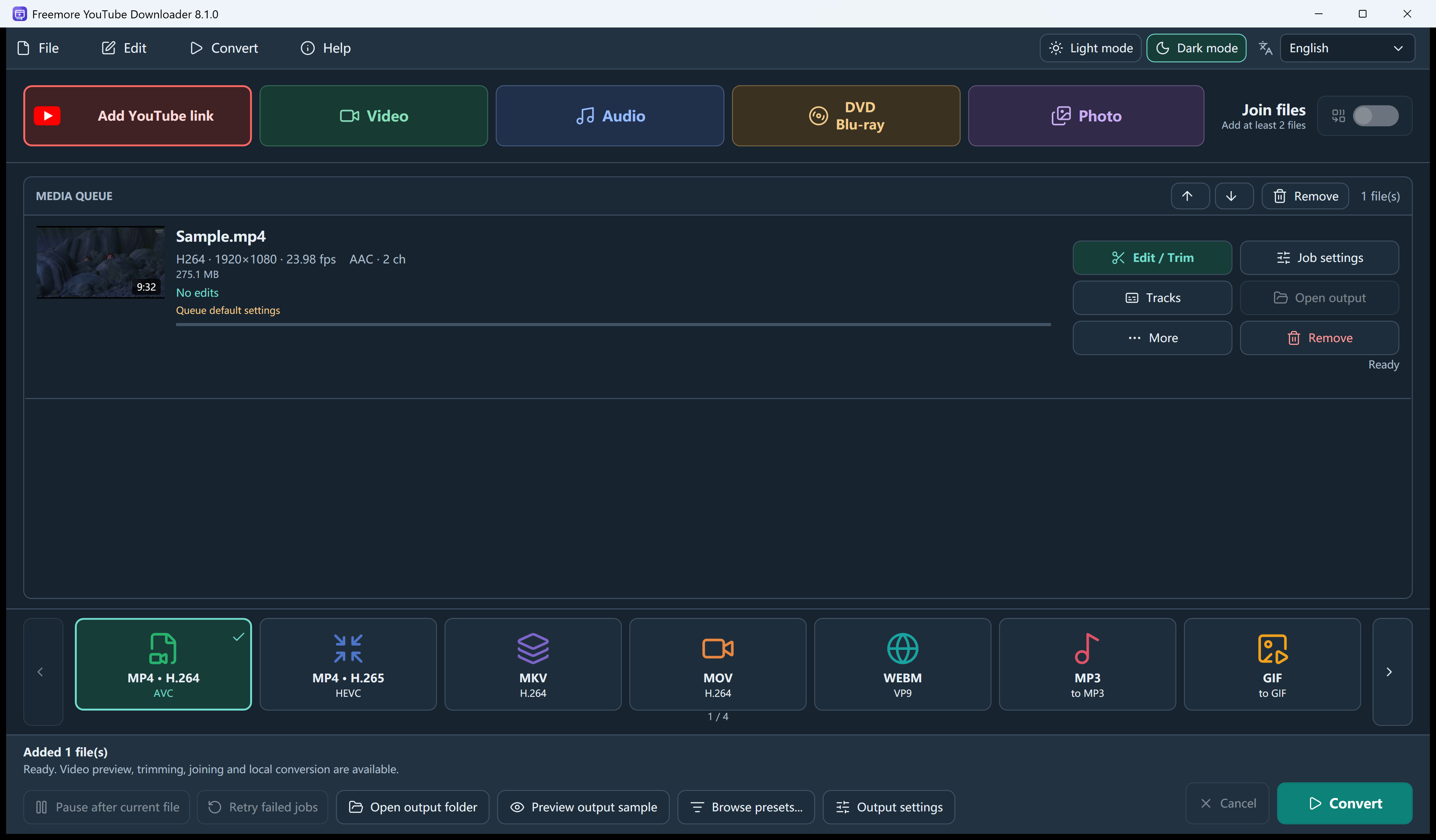
The dialog chooses the source. The main window chooses the file you keep.
Add a public link and read its formats.
Keep the best stream, or choose one.
The app fetches it and writes your file.
Choose a source quality, queue playlists, trim clips and save the output format you need.
Read formats lists title, length, thumbnail and the streams the page reports, including resolution and codec when they are present.
Optional playlist mode adds one queue row per video, up to 100. Missing entries are skipped and reported.
Help can update the yt-dlp module after a checksum check. An update does not unlock private, region-locked or login-only videos.
Animated GIF is one of the outputs, without audio. Trim first if you only want a few seconds.
Choose a task for supported formats, settings and step-by-step instructions.
Install it, then open the file you already have.
64-bit Windows 10 version 2004 or later, or Windows 11. Microsoft .NET Desktop Runtime 8 x64 is required. Online downloads need an internet connection.
Download free softwareFreemoreYouTubeDownloader.exe. Only save videos you have the right to keep, and follow the site’s terms.
No. It does not read browser cookies or saved passwords. Members-only and private videos can fail.
No. That dialog picks the source stream. MP4, MP3 and the other targets are on the main screen.
Both can take a public link. This build is the downloader-first app. The suite is the newer converter, with local AI upscaling the downloader does not include.
Windows 10 or 11 · 64-bit · Version 8.1.0