1. Add
One video opens the trim editor.
Freemore Video Cutter Joiner
Two modes: cut one video into the parts you keep, or join at least two clips. Preview the range before you export.
Windows 10 or 11 · 64-bit · Version 8.1.0
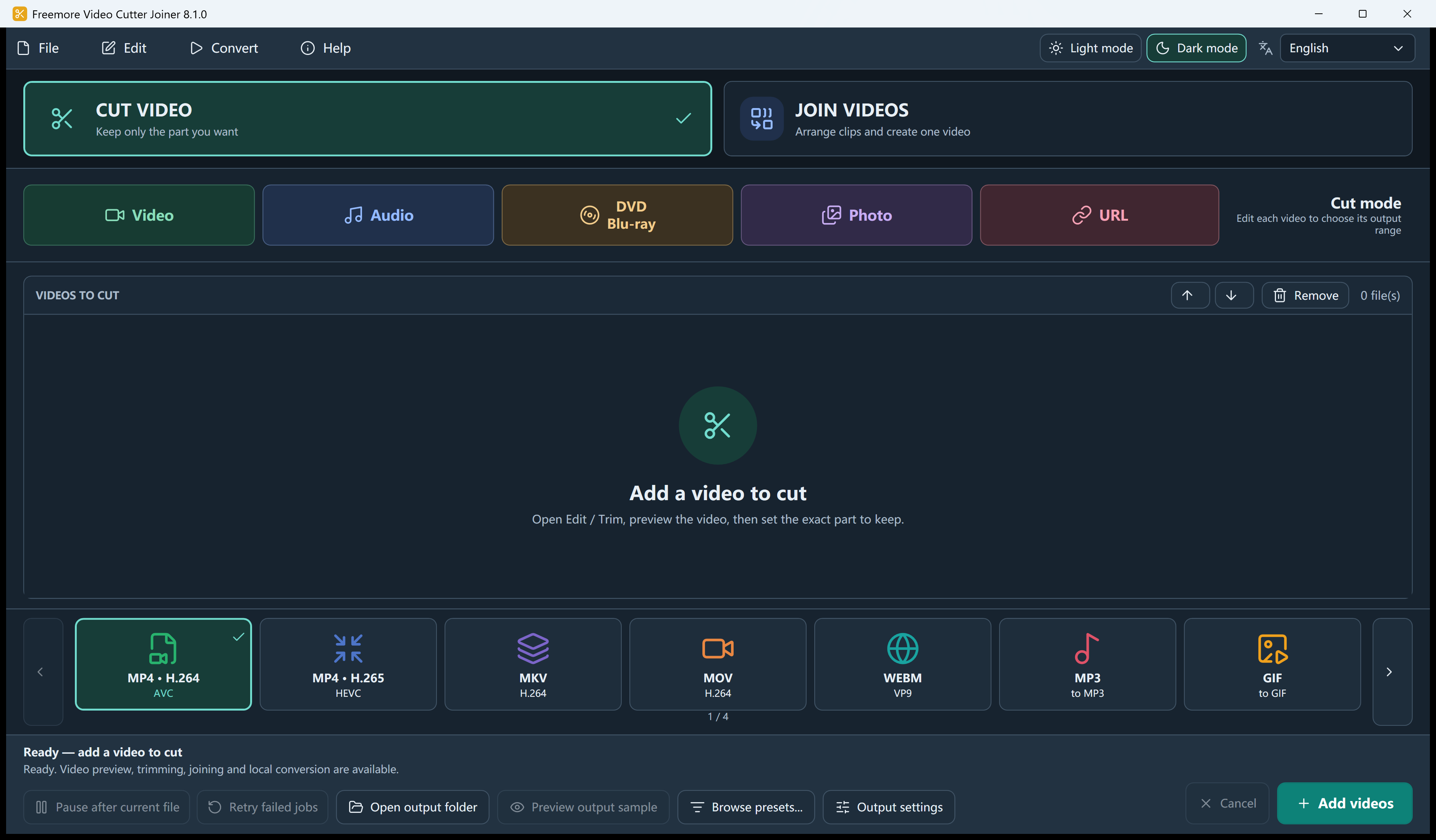
The main button changes with the mode. Join needs two items in the queue.
One video opens the trim editor.
Drag the handles, or type a time.
Cut saves each range. Join saves one file.
Keep selected ranges or combine matching clips in sequence, with encoding options for mixed sources.
Split at the playhead, invert the selection, delete and reorder. Cut mode exports each range separately.
Move items up or down. Each clip can be trimmed before it is included. The picture is padded to a common size.
Copy-join is limited to compatible MP4, MOV and MKV. Anything with a trim, crop, logo or burned subtitle is encoded. Lossless only will refuse a mismatch and say why.
Crop, simple picture adjustment, subtitles, or your own PNG logo. These force an encode.
Choose a task for supported formats, settings and step-by-step instructions.
Install it, then open the file you already have.
64-bit Windows 10 version 2004 or later, or Windows 11. Microsoft .NET Desktop Runtime 8 x64 is required.
Download free softwareFreemoreVideoCutterJoiner.exe. Audio-only, GIF and remux outputs are blocked in Join mode.
Not in this join screen. Join asks for at least two queued items. Cut mode is how one video becomes several files.
No. Lossless join needs matching codecs, size, frame rate and layout. Otherwise the app encodes, or refuses if you chose lossless only.
Video Cutter Joiner focuses on cutting and joining, with format presets and disc-authoring tools included. Choose Audio Video Suite for its expanded preset browser and local AI upscaling.
Windows 10 or 11 · 64-bit · Version 8.1.0