1
Open the downloader
Start Freemore YouTube Downloader and paste a public video link.
Paste a public video link, then save the audio as MP3.
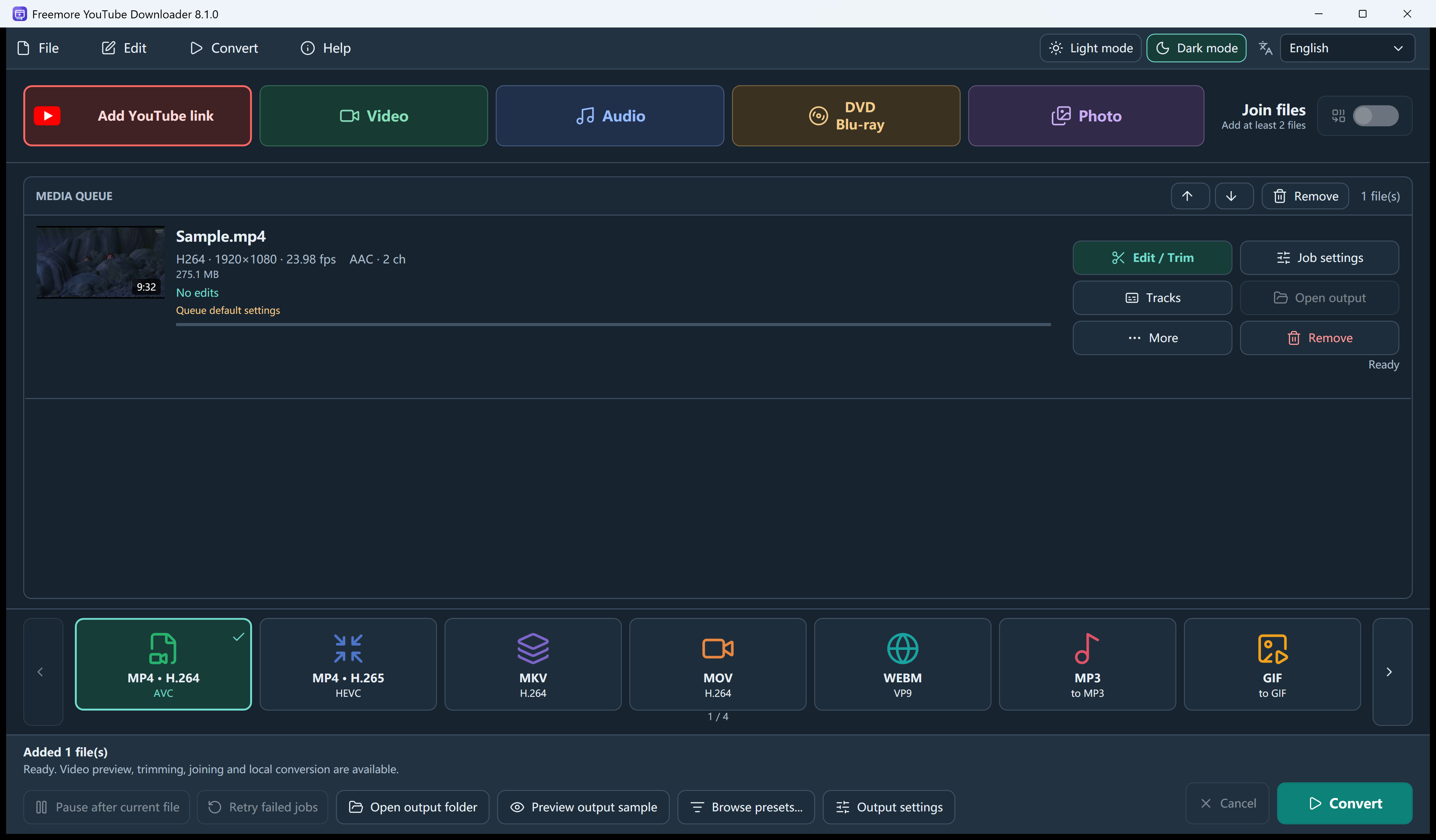
Start Freemore YouTube Downloader and paste a public video link.
Press Read formats. Choose an audio-only stream when the list offers one, or keep Best available.
A playlist can add up to 100 public videos. Entries that are missing or private are skipped.
On the main window, select MP3 or another audio output the app lists, then start Convert. The audio format is chosen there, not in the link box.
Windows 10 or 11 · 64-bit · Version 8.1.0