1
Open the converter
Start Freemore Audio Video Suite. The queue stays empty until you add a file. A local conversion stays on this PC.
Add your WMA file, choose MP3, and convert it.
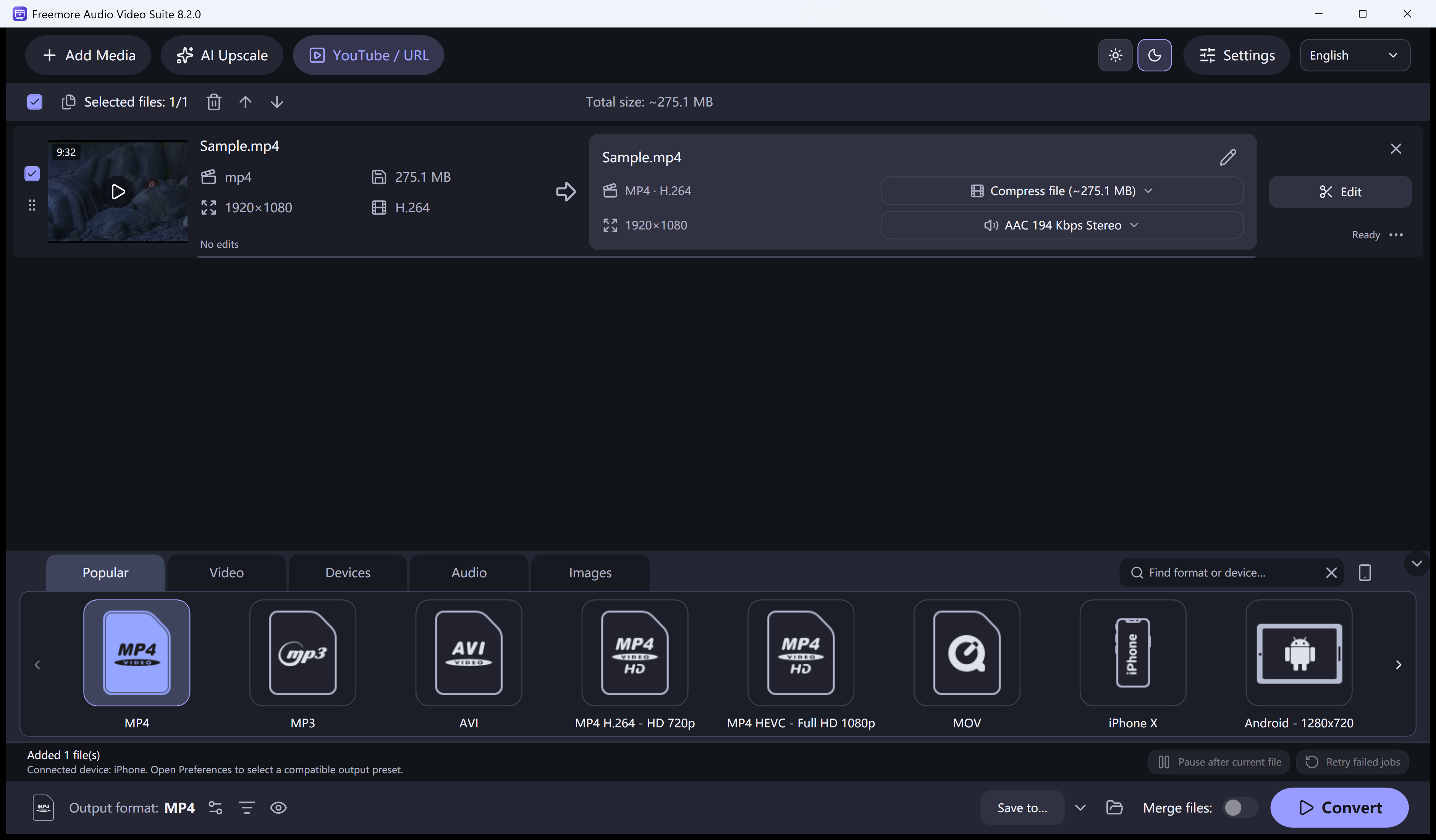
Start Freemore Audio Video Suite. The queue stays empty until you add a file. A local conversion stays on this PC.
Drop in your WMA file, or add a folder of files that should all become MP3. The original is not replaced.
Open the output list and pick the MP3 preset. Search if you already know the name. Popular, Video, Devices, Audio, and Images are the groups.
Cut or crop before you convert when you do not want the whole file. Check the size and quality on the preset before a long queue.
Start the conversion and open the new file. A familiar extension does not mean every codec inside it will open.
Windows 10 or 11 · 64-bit · Version 8.2.0