1
Open the song
Start Freemore Audio Editor and load the track you want to shorten.
Cut a short piece of the song and export a file the phone can use.
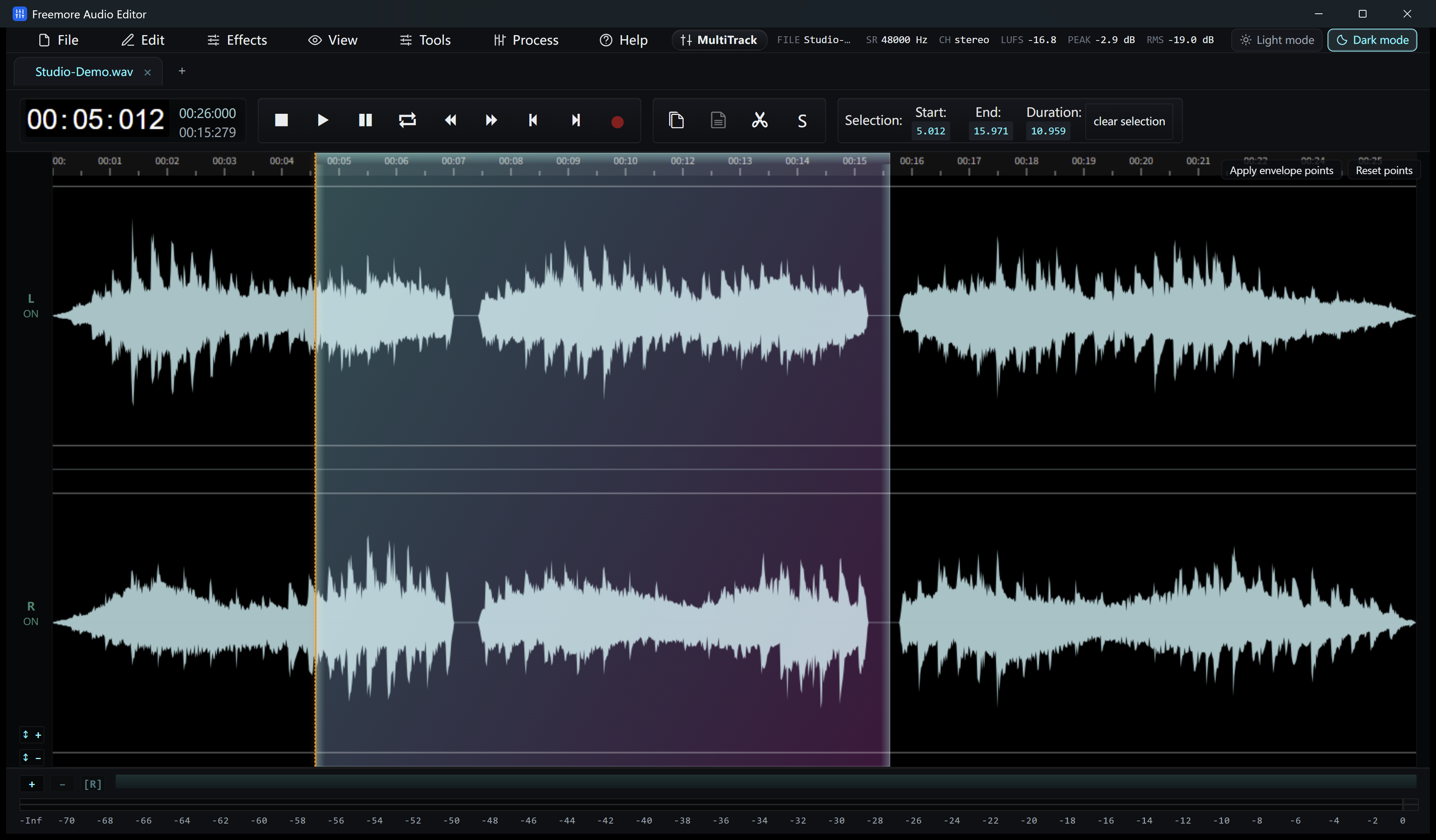
Start Freemore Audio Editor and load the track you want to shorten.
Set the selection start and end, listen to the passage and add fades if needed. Check the length accepted by your phone and import method.
Choose selected-region export in Audio Editor. Save MP3 if your phone accepts it, or save a WAV master for further conversion. Audio Editor does not export M4R directly.
If your phone workflow requires M4R, open the edited WAV in Freemore Audio Video Suite and choose its M4R preset. Save the result in a new file.
Use the transfer and ringtone-assignment method supported by your phone. Neither program transfers the file or changes phone settings automatically.
Windows 10 or 11 · 64-bit · Version 8.1.0