1
Queue the videos
The suite can write a DVD or Blu-ray ISO from a video queue. It does not pack random files into an ISO, and it does not rip a CD.
Make a DVD or Blu-ray ISO from your own videos, then burn it with Windows.
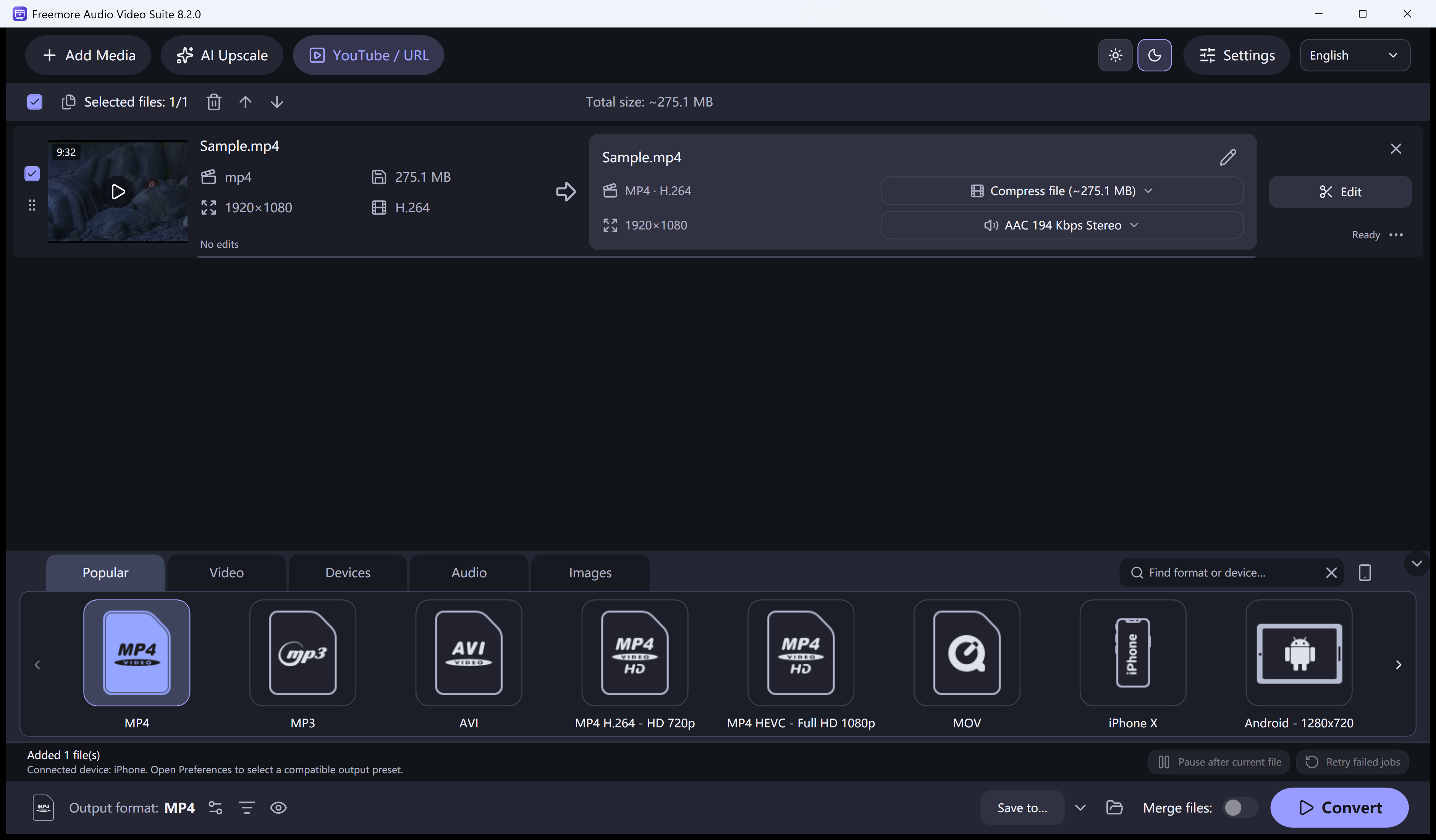
The suite can write a DVD or Blu-ray ISO from a video queue. It does not pack random files into an ISO, and it does not rip a CD.
A protected movie disc is refused.
Choose DVD or Blu-ray output and include the ISO. Blu-ray here is a BDMV folder or a UDF ISO, not a menu designer.
Burn ISO opens the Windows disc tool. You still need a drive and blank media.
Windows 10 or 11 · 64-bit · Version 8.2.0