1
Start from an open folder
Freemore Audio Video Suite can read an unencrypted DVD-Video folder as titles. A protected disc is refused, and this program does not unlock it.
Open an unencrypted DVD folder, pick a title, and convert it.
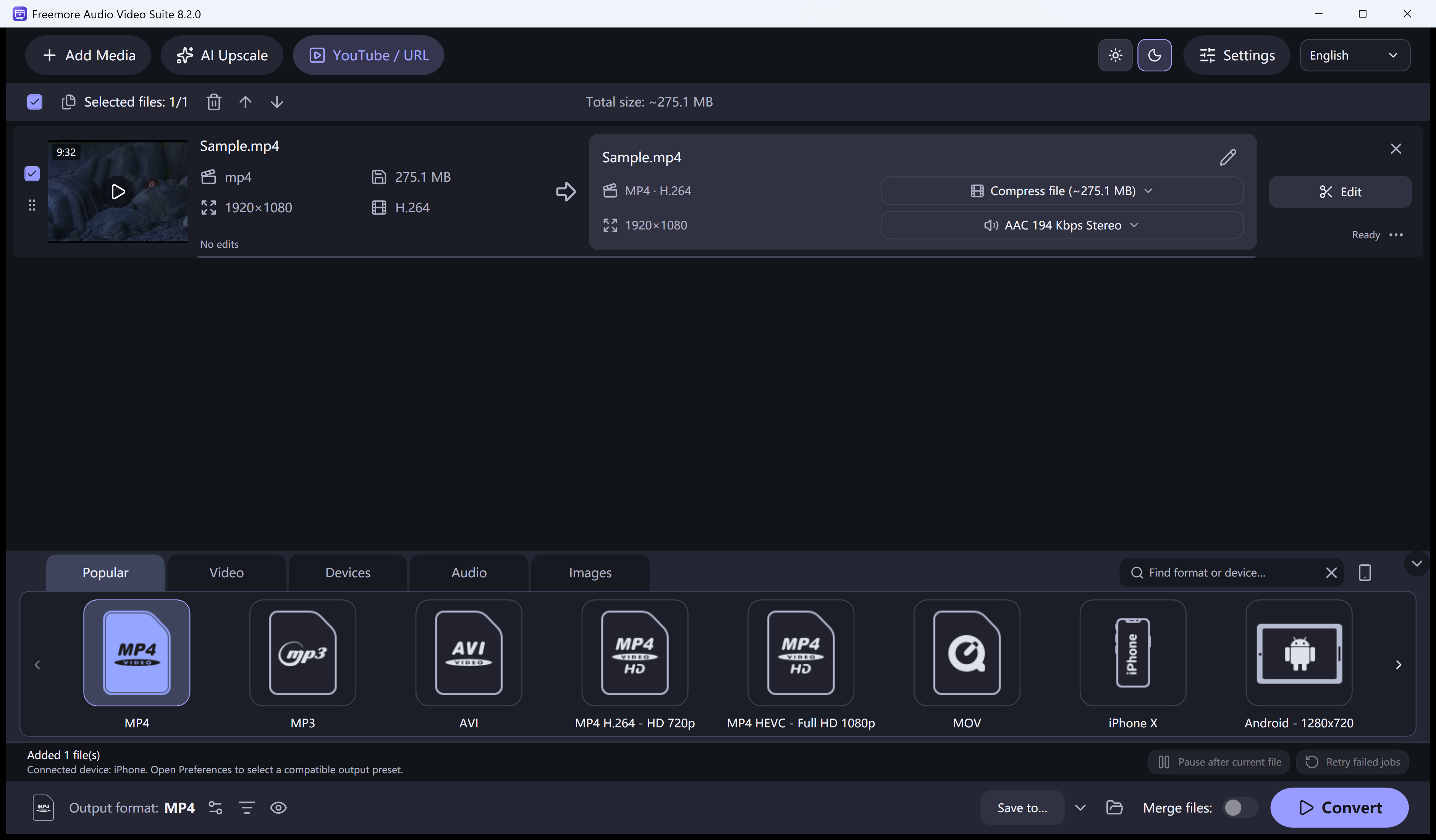
Freemore Audio Video Suite can read an unencrypted DVD-Video folder as titles. A protected disc is refused, and this program does not unlock it.
Check the duration before you add it, so you convert the right program on the disc.
Select the video or device preset you actually need.
Run the queue. The result is a new file, not a copy of the disc.
Windows 10 or 11 · 64-bit · Version 8.2.0