How to Save the Audio From a 3GP Video
Turn the soundtrack of an old phone video into a separate file you can listen to without playing the picture.
Download Freemore Audio Video SuiteWindows installer · Download and setup details
A voice memo trapped in a video
An old phone video contains a voice memo recorded at a meeting. Keep the 3GP archive and make one MP3 for listening.
Export the soundtrack as MP3
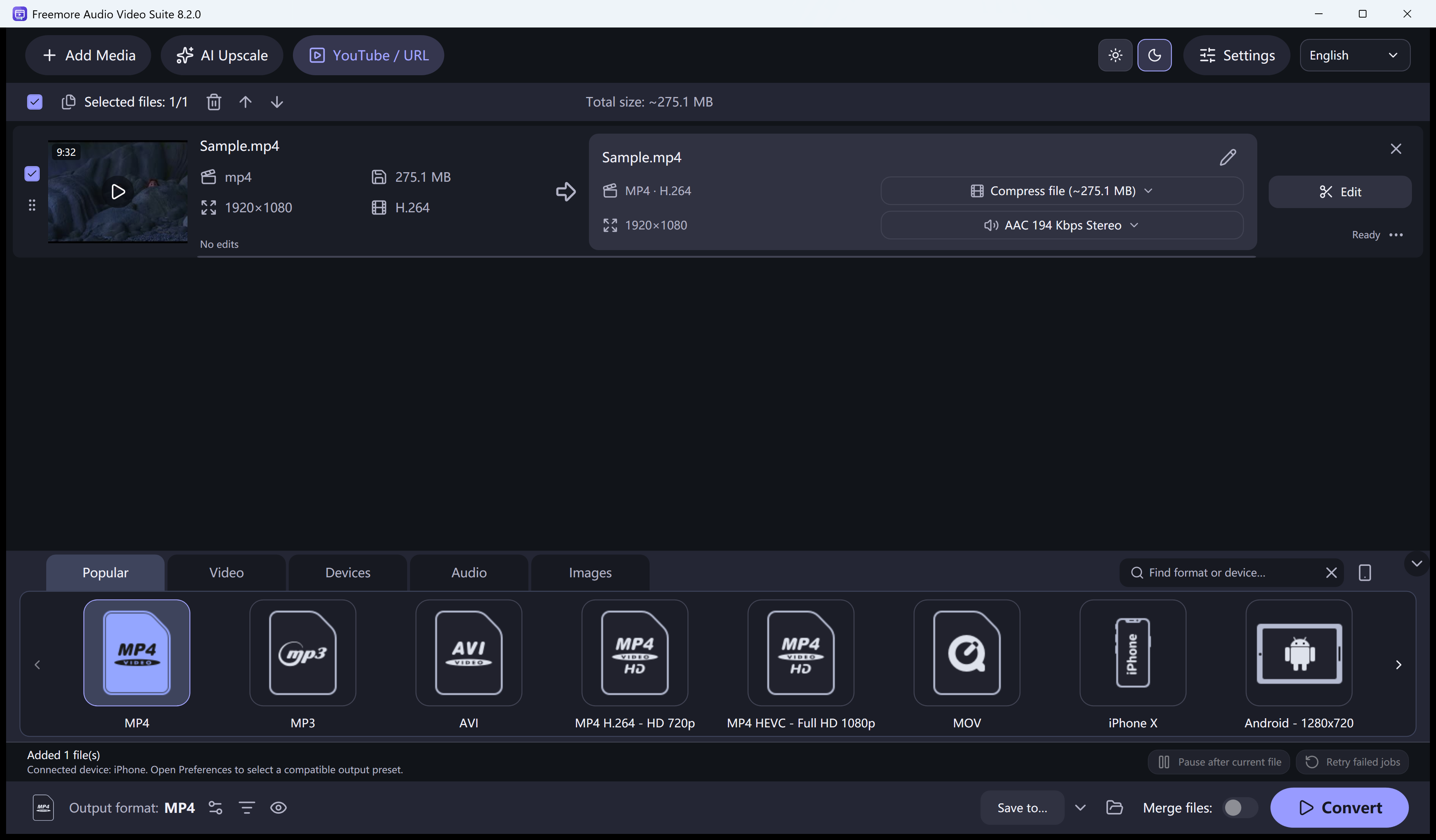
- Add the original 3GP file to Freemore Audio Video Suite. Play it first to confirm the source actually contains the sound you need.
- Choose an audio output such as MP3. Use a separate output folder so the source video is easy to find later.
- Start the conversion and open the saved audio in a player. Listen through a quiet section and a spoken passage.
If the exported track is silent
If the saved file is silent, play the original again with its volume up. Check that the source has an audio stream before trying a different output format.