How to Join Voice Memos in Recording Order
Turn separately recorded notes into a single file that follows the order you actually spoke in.
Download Freemore MP3 JoinerWindows installer · Download and setup details
Why Part 10 lands before Part 2
Three interviews are in your Downloads folder. The names sort as Part 1, Part 10 and Part 2, which puts the closing clip in the middle.
Put the memos in the order you spoke
- Listen to the first line of each memo and write down the intended order. Rename copies 01, 02 and 03 if that makes them easier to identify.
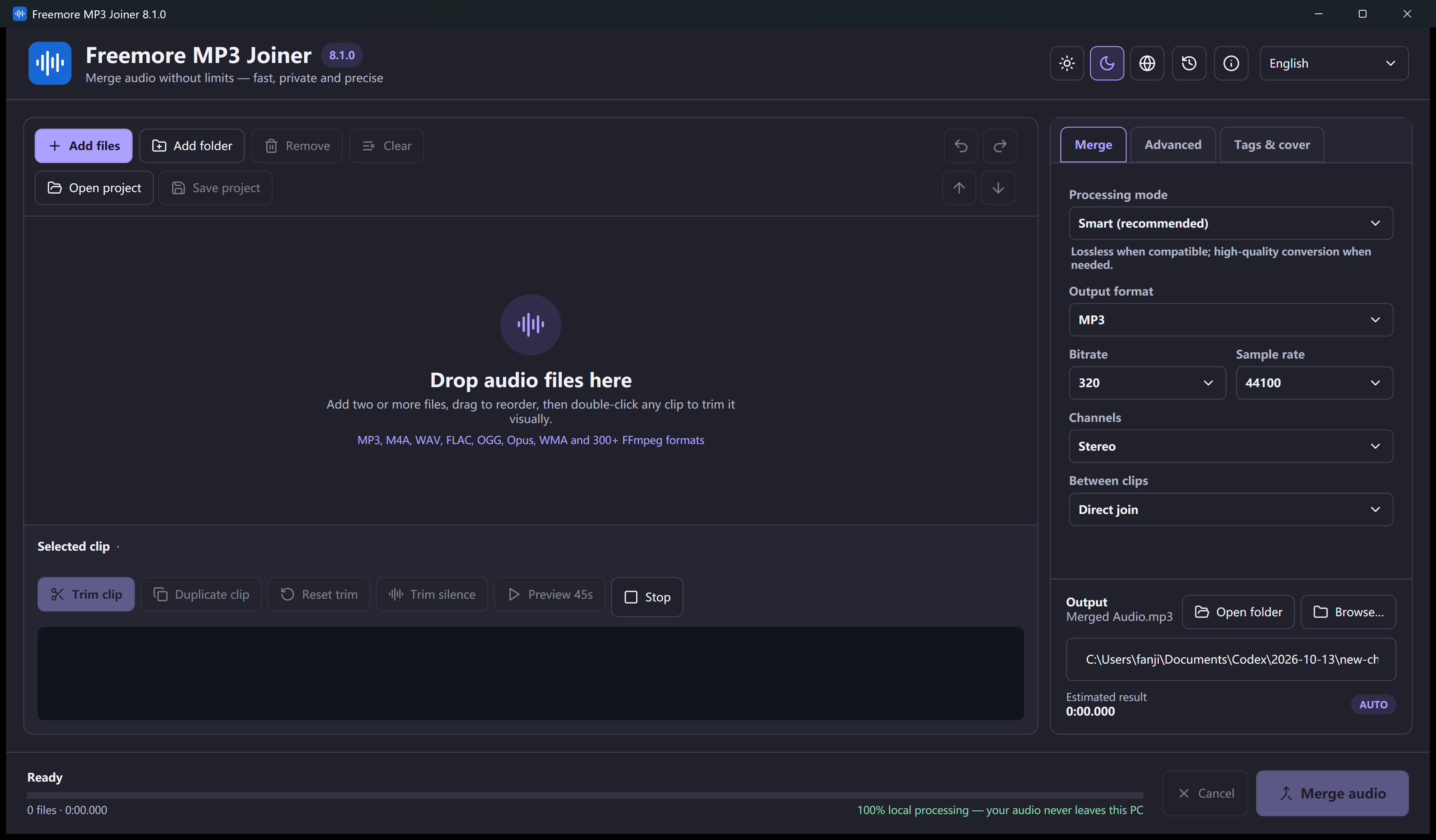
- Add the clips to Freemore MP3 Joiner. Use the ordering controls or add them in sequence, then read the list from top to bottom.
- Select an output format, join the clips and listen at both joins. Make sure no sentence was skipped or repeated across a boundary.
Listen through each join
Keep the individual files until you confirm the start, two joins and ending of the combined file. A name sorted alphabetically can disagree with recording time.