1
Open the downloader
Start Freemore YouTube Downloader. Save only a public video you have the right to keep.
Paste a public video link, choose a listed stream, and save MP4.
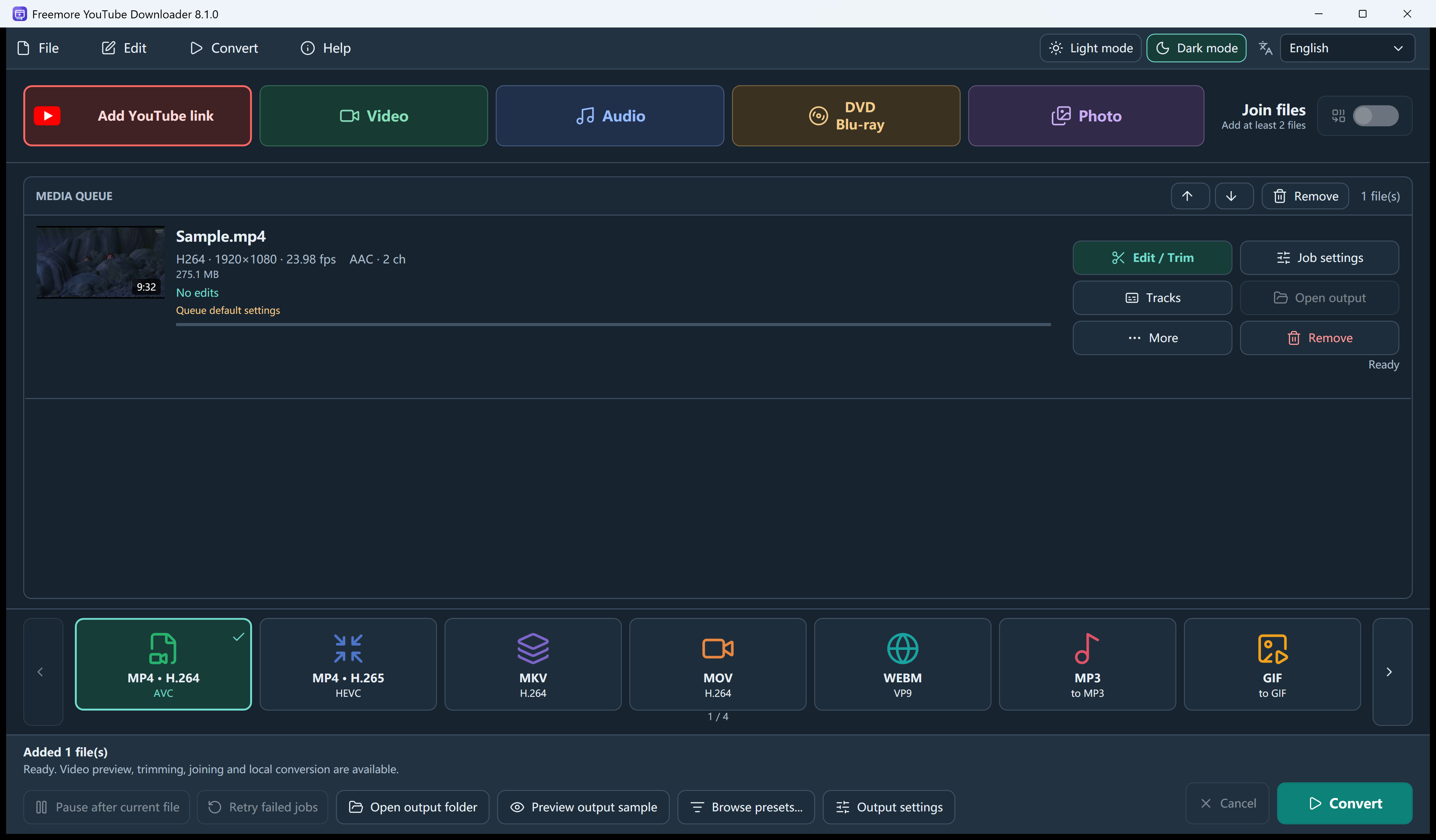
Start Freemore YouTube Downloader. Save only a public video you have the right to keep.
Paste a public http or https address and press Read formats. The list shows the title and the streams that page reports.
Best available is the default. Choose a listed resolution when you want a specific one. Private and login-only videos can fail.
The link box only picks the source. Choose MP4, or another listed output, on the main screen, then Convert downloads and writes the file. A playlist can add up to 100 public videos.
Windows 10 or 11 · 64-bit · Version 8.1.0