1
Switch to Join
Open Freemore Video Cutter Joiner and use Join mode. One file is a cut. A join needs at least two clips.
Add the clips in order and join them into one file.
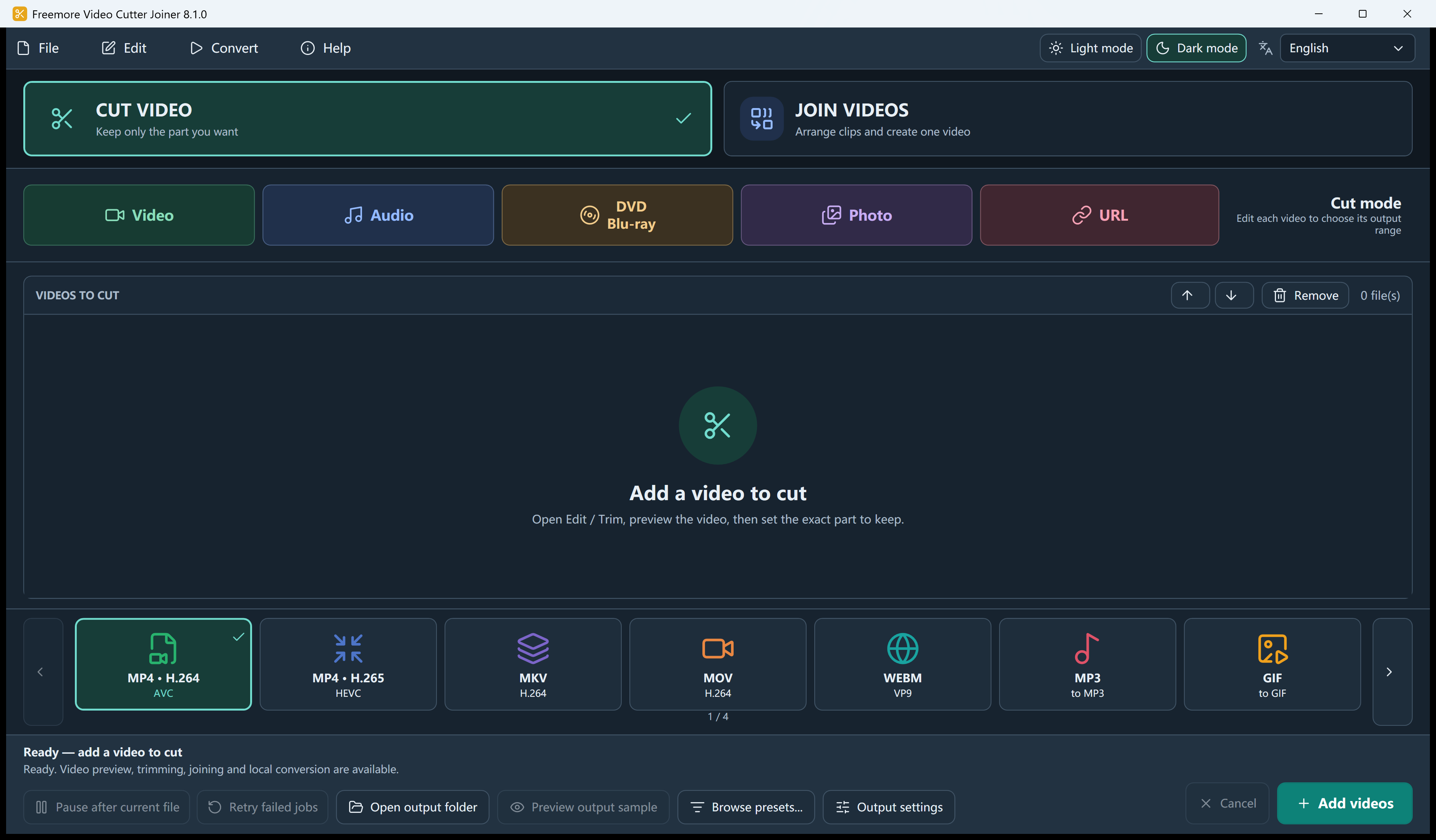
Open Freemore Video Cutter Joiner and use Join mode. One file is a cut. A join needs at least two clips.
Put the video files in the queue in the order you want them to play. Drag a row if the order is wrong.
Each item can keep a range. Lossless join works only when MP4, MOV, or MKV clips already match. A trim, crop, or mismatched file is encoded, or refused if you asked for lossless only.
Join follows the queue order. Audio-only and GIF outputs are not available in Join mode.
Windows 10 or 11 · 64-bit · Version 8.1.0