1
Choose the recognition language
Open Batch Documents in Freemore OCR and select the model that matches your pages, then add the PDF. XPS, EPUB, MOBI, FB2 and CBZ are also accepted document inputs.
Open the PDF, choose the pages, and save the words or a searchable PDF.
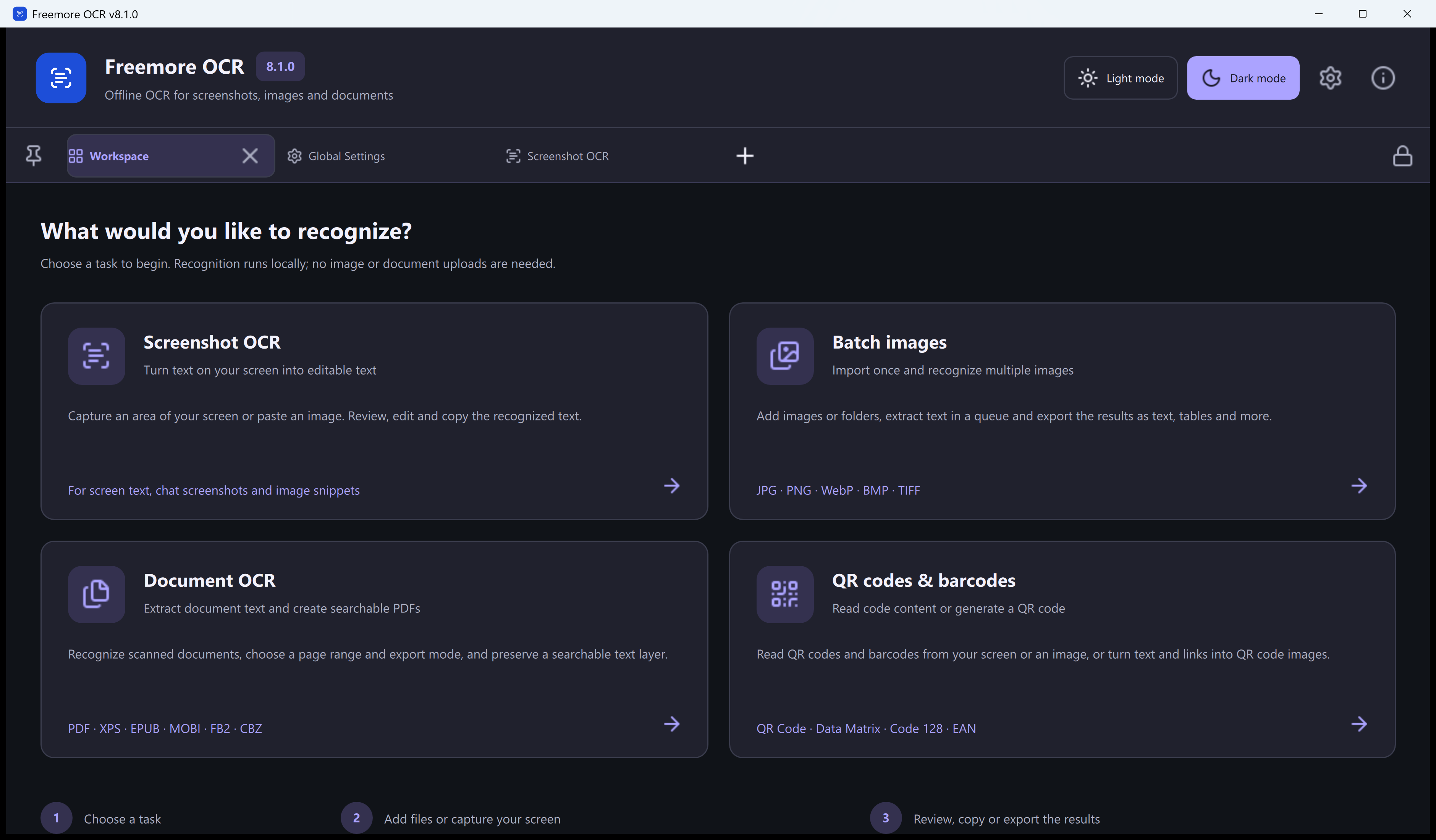
Open Batch Documents in Freemore OCR and select the model that matches your pages, then add the PDF. XPS, EPUB, MOBI, FB2 and CBZ are also accepted document inputs.
Preview the document and limit the range if you do not need every page. Enter the password when the file asks for one.
Mixed OCR/original text combines recognition of image content with existing text. Full-page OCR recognizes each selected page as an image. Images only recognizes embedded images. Original text only extracts existing selectable text without image OCR.
Save TXT, plain text, CSV or JSON Lines for reusable text. Searchable layered PDF keeps the page appearance and adds a text layer; text-only PDF saves text without page images. Choose the destination, start processing and review the saved result.
Windows 10 or 11 · 64-bit · Version 8.1.0