1
Add the audio files
Open Freemore MP3 Joiner and drop the clips onto the list, or use Add files. Add folder brings in that folder only, not the folders inside it. You need at least two clips, and one merge can hold up to 200.
Add the audio files in order, choose how they meet, and merge them into one file.
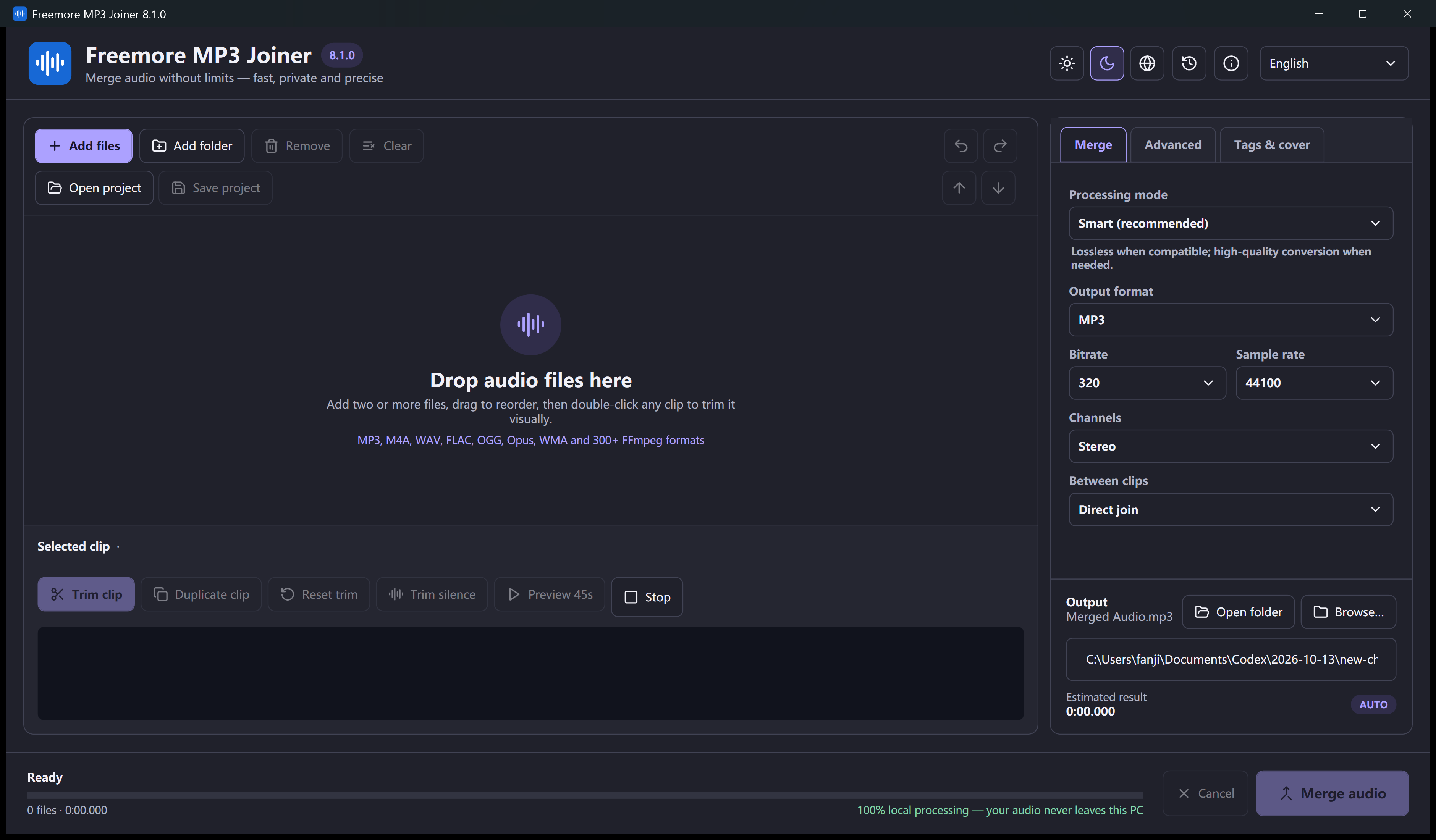
Open Freemore MP3 Joiner and drop the clips onto the list, or use Add files. Add folder brings in that folder only, not the folders inside it. You need at least two clips, and one merge can hold up to 200.
Drag a row up or down. Remove a file you do not want. The files on disk are not changed.
Select a row and keep the part you want. Duplicate a row to use the same file twice, or to use two different parts of it.
A direct join, a silence gap of up to 30 seconds, or a crossfade from 0.1 to 30 seconds. A crossfade has to be shorter than every clip in the list.
Mixed formats are encoded. Smart copies the audio only when the clips already match and you did not trim or fade them. Choose MP3, M4A, WAV, FLAC, Ogg, or Opus, then start the merge and listen across each join.
Windows 10 or 11 · 64-bit · Version 8.1.0