1
Open the MP3
Start Freemore Audio Editor and drop the song on the waveform.
Mark the section you want, trim to it, and save that clip.
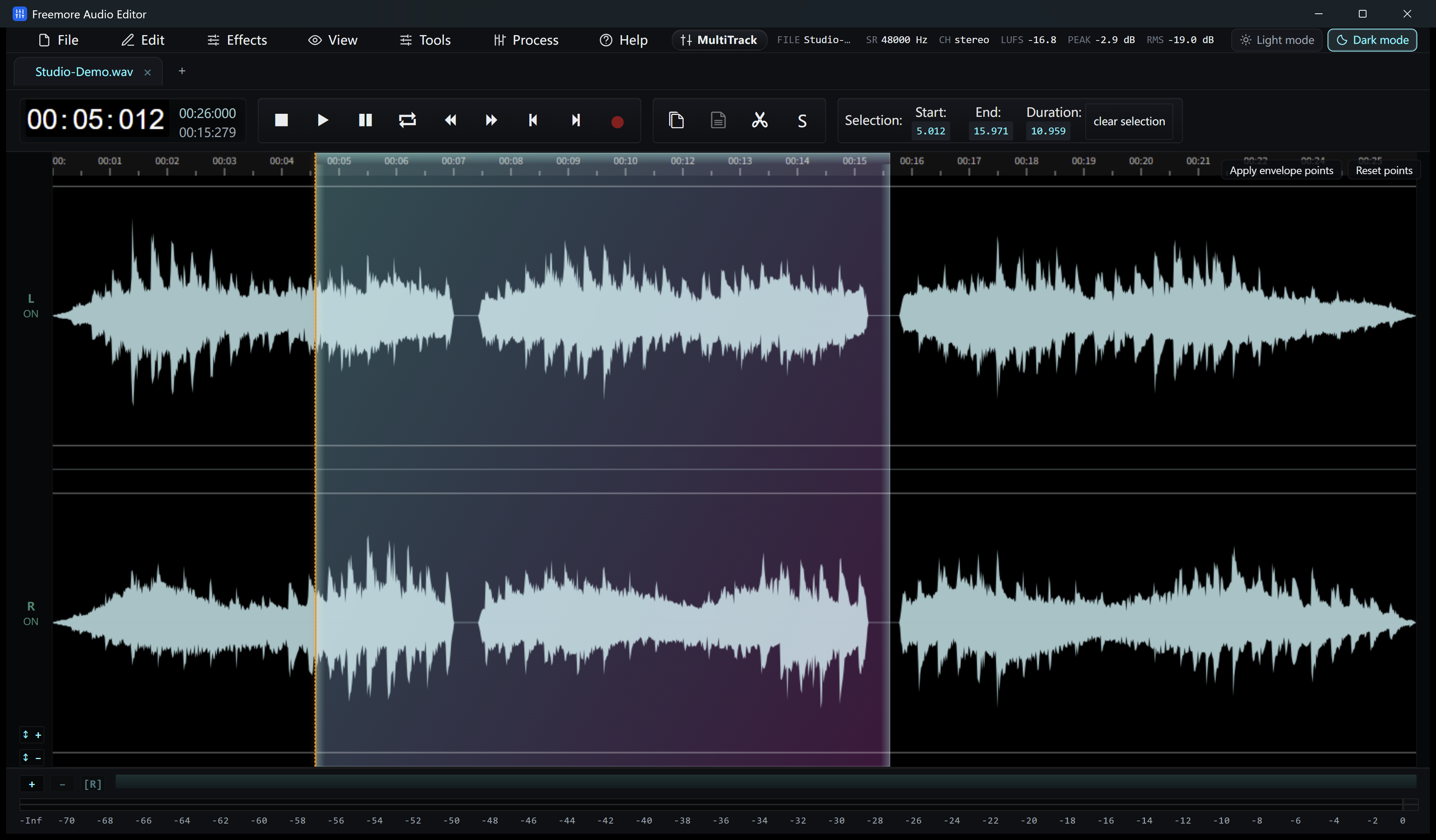
Start Freemore Audio Editor and drop the song on the waveform.
Drag the start and the end. There is no button that finds a chorus for you, so listen and set the edges yourself.
Keep the marked region. Fade the edges if the cut clicks.
Save it as MP3 or another format the editor lists. The rest of the song stays in the original file.
Windows 10 or 11 · 64-bit · Version 8.1.0