1
Add your own videos
Open Freemore Audio Video Suite and queue the clips you are allowed to author. A protected movie disc is refused.
Author a DVD folder or ISO from your own videos, then burn it with Windows.
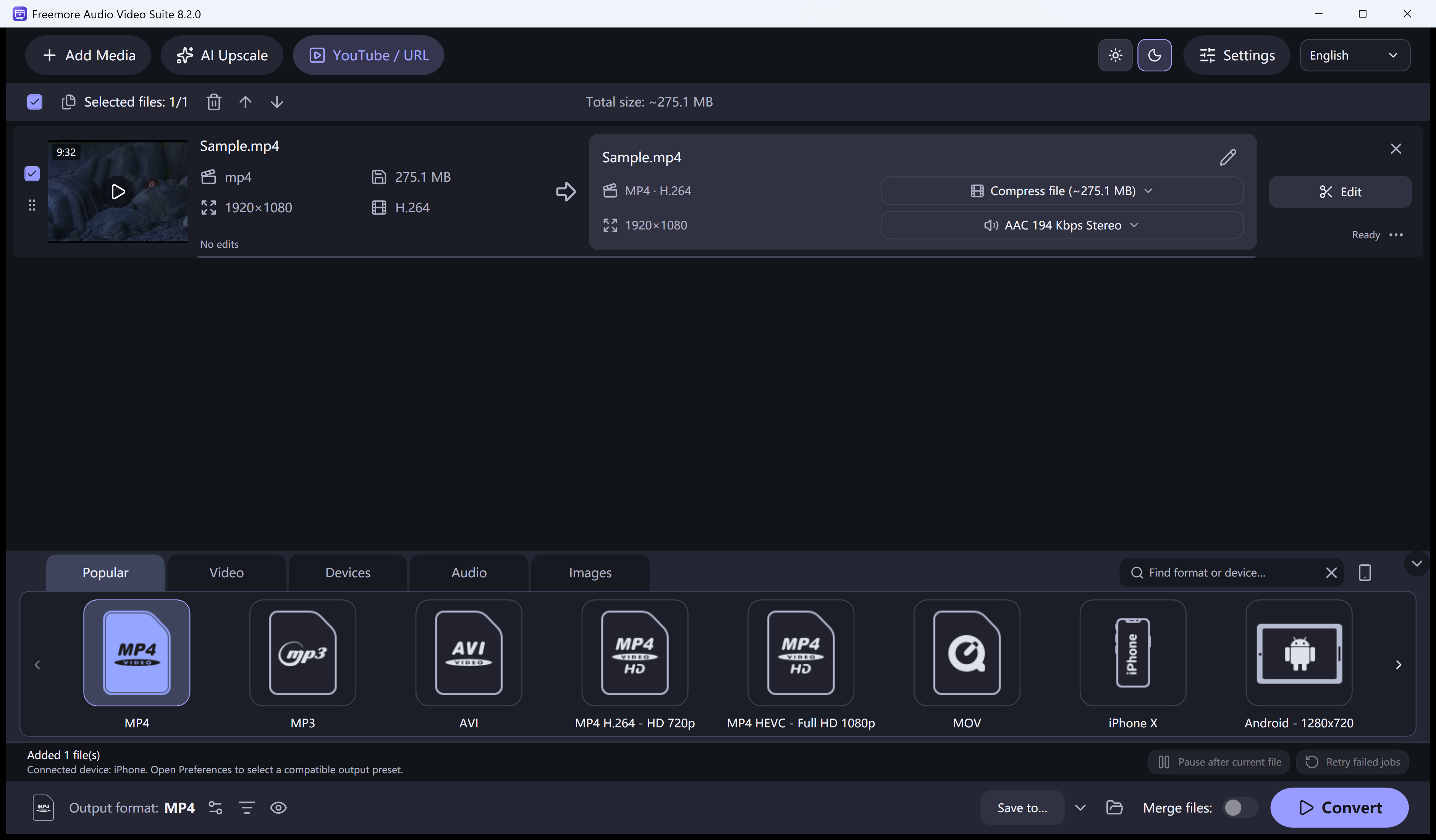
Open Freemore Audio Video Suite and queue the clips you are allowed to author. A protected movie disc is refused.
Set the disc name, choose PAL or NTSC, and decide whether you want a VIDEO_TS folder, an ISO, or both.
Start authoring and wait for the folder or ISO. The suite writes an unencrypted DVD.
If you made an ISO, Burn ISO hands it to the Windows disc tool. You still need a drive and a blank disc.
Windows 10 or 11 · 64-bit · Version 8.2.0