How to Copy Reference Numbers From Scanned Images
Use OCR to read reference numbers from a folder of scans, and compare each result with the image before using it.
Download Freemore OCRWindows installer · Download and setup details
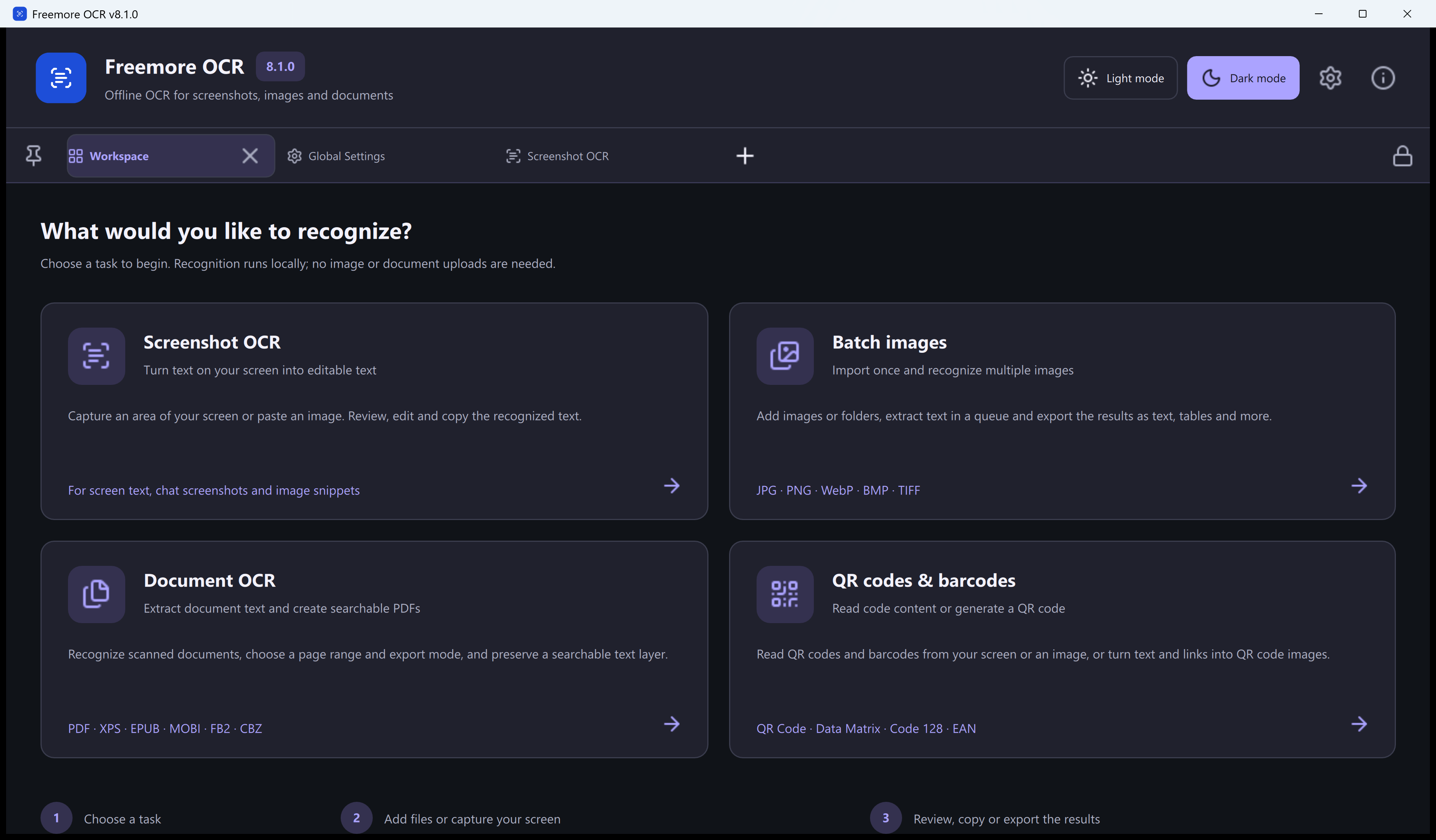
One reference number per receipt
You have six scanned repair receipts and need one reference number per ticket. Some of the labels mix letters and digits.
Recognize the scans and verify each code
- Keep the original scans and name each image so the corresponding ticket is easy to locate. Try OCR on the clearest one first.
- Open the image in Freemore OCR and select the recognition language used by the ticket labels. When the test produces readable text, import the remaining images.
- Copy only the reference field you need. Compare the whole token, including any leading zero, hyphen or letter prefix, with its source image.
Double-check similar letters and digits
Treat O and 0, I and 1, and B and 8 as separate review cases. If a number is still ambiguous, enlarge the source image or scan that section again before using the result.