How to Copy Text From an Error Message Screenshot
Capture the visible message and turn it into text you can paste into a support ticket.
Download Freemore OCRWindows installer · Download and setup details
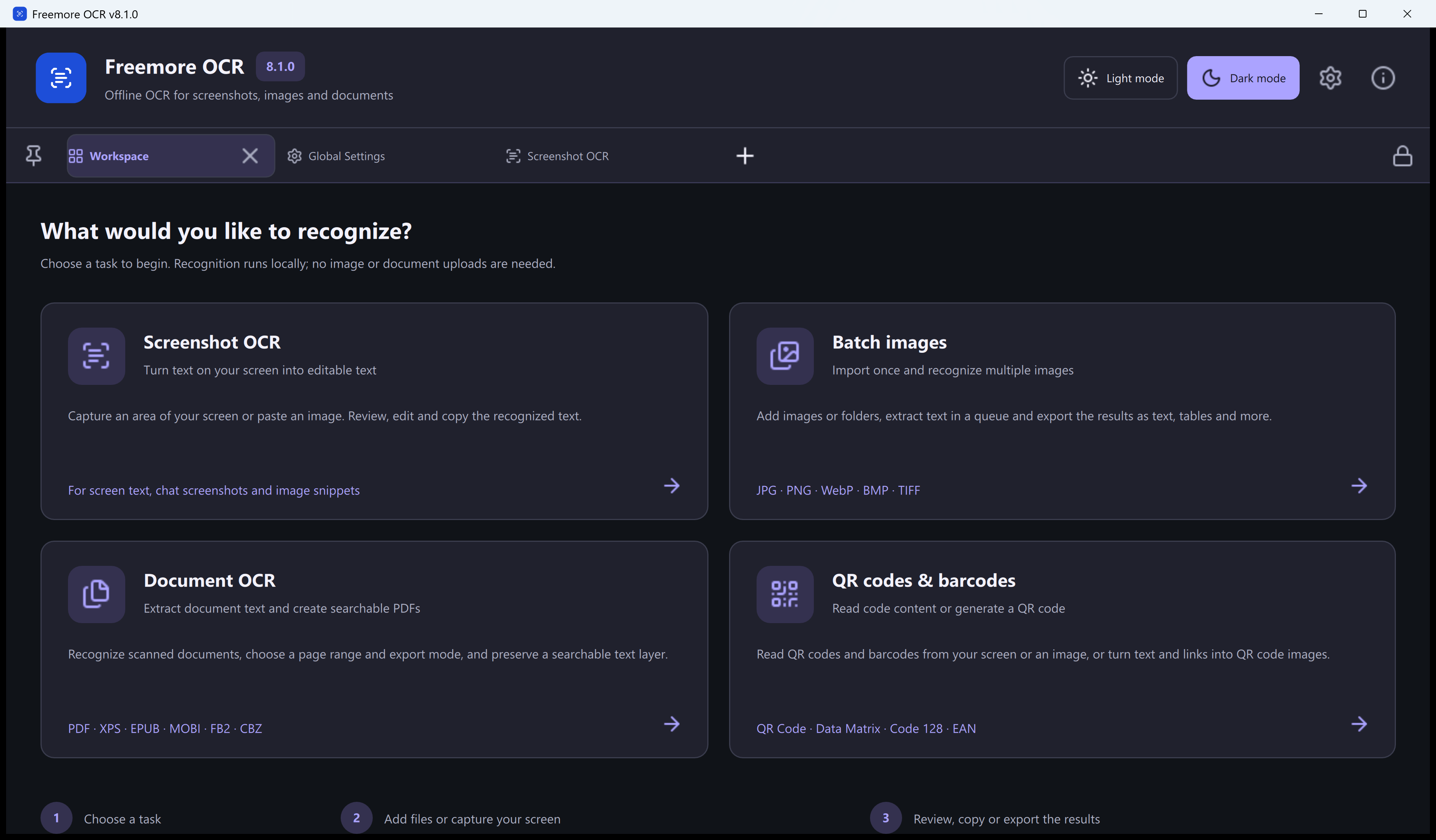
A support ticket needs the exact error
An installer shows a dialogue you can read but cannot select. The support team needs both the affected filename and the hexadecimal error code.
Capture, recognize and verify the message
- Keep the dialogue open. Capture a tight region around the message and code, or paste the saved screenshot into Freemore OCR.
- Run recognition and check the code, any punctuation in the path, and the first line of the message directly against the screenshot.
- Copy the verified message into your support note. Before sharing, review any account name or private folder path in the copied text.
Recapture a line that came out wrong
If the result skips a line or confuses O and 0, take a second capture of just that line. Keep the original screenshot until the support message has been checked.