How to Check an Archive of Old Phone Videos After Converting
Check that every clip from a phone backup has a usable output, including the ones with repeated filenames or different recording settings.
Download Freemore Audio Video SuiteWindows installer · Download and setup details
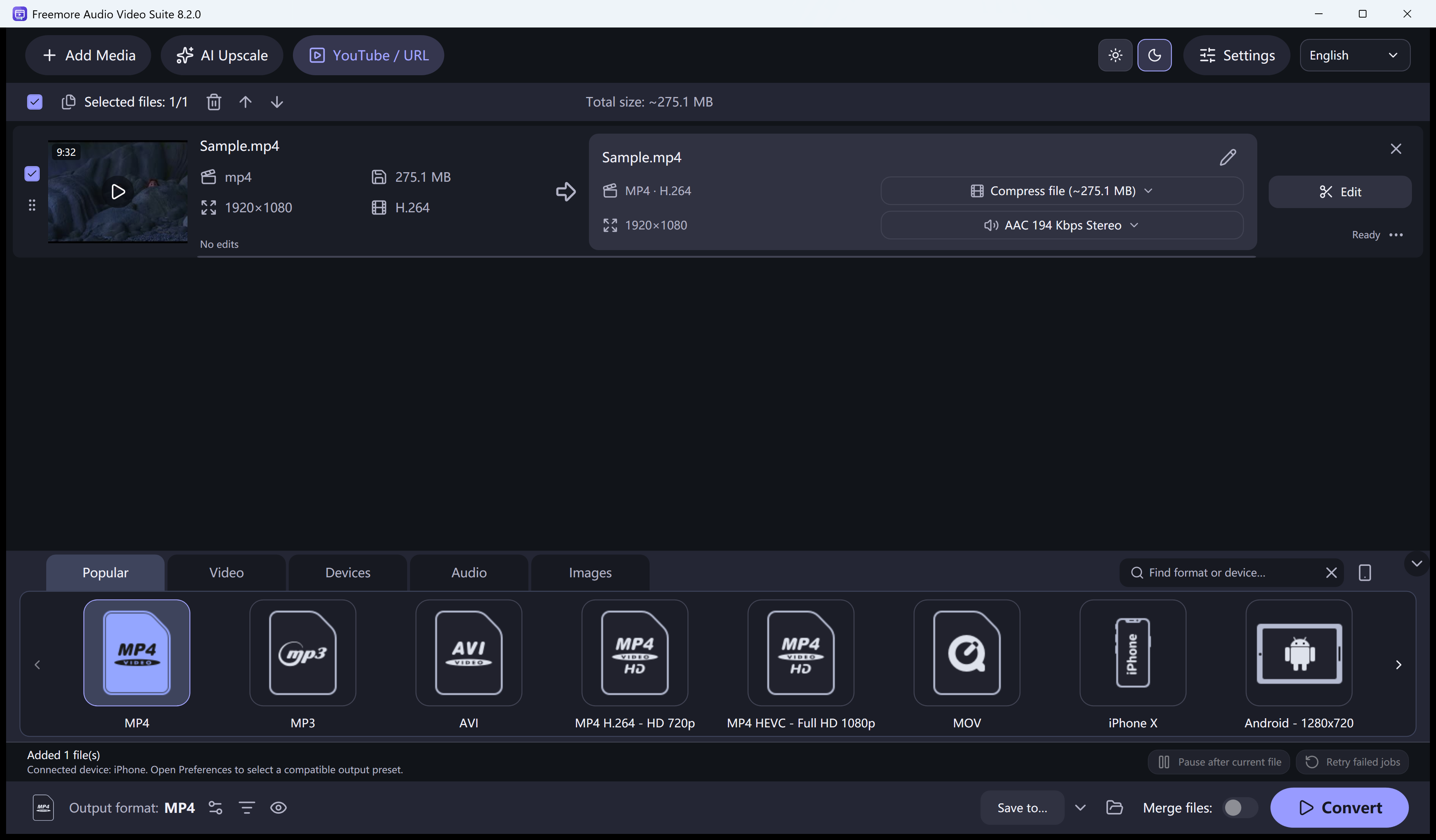
When two memory cards reuse filenames
Two backed-up memory cards each contain a clip called VIDEO001. You need a set of playable copies while keeping a traceable archive of the originals.
Match the exports to the originals
- Keep the original card folders intact. Put copies from each card in separate working folders or give each working copy a unique prefix before adding it to Freemore Audio Video Suite.
- Choose the format playback devices need and convert one short representative clip from each card. After those work, queue the remaining clips and save to a separate destination.
- Compare counts and names by card, then spot-check the first, last and longest output. Play from the beginning and near the end to check the full length, sound and orientation.
Track down a missing clip
If one input has no corresponding output, isolate that file and test it on its own. Keep a list of clips that failed and leave the original archive untouched.