1
Add the video
Open Freemore Audio Video Suite and drop the video on the queue.
Save the soundtrack from the video as Audio.
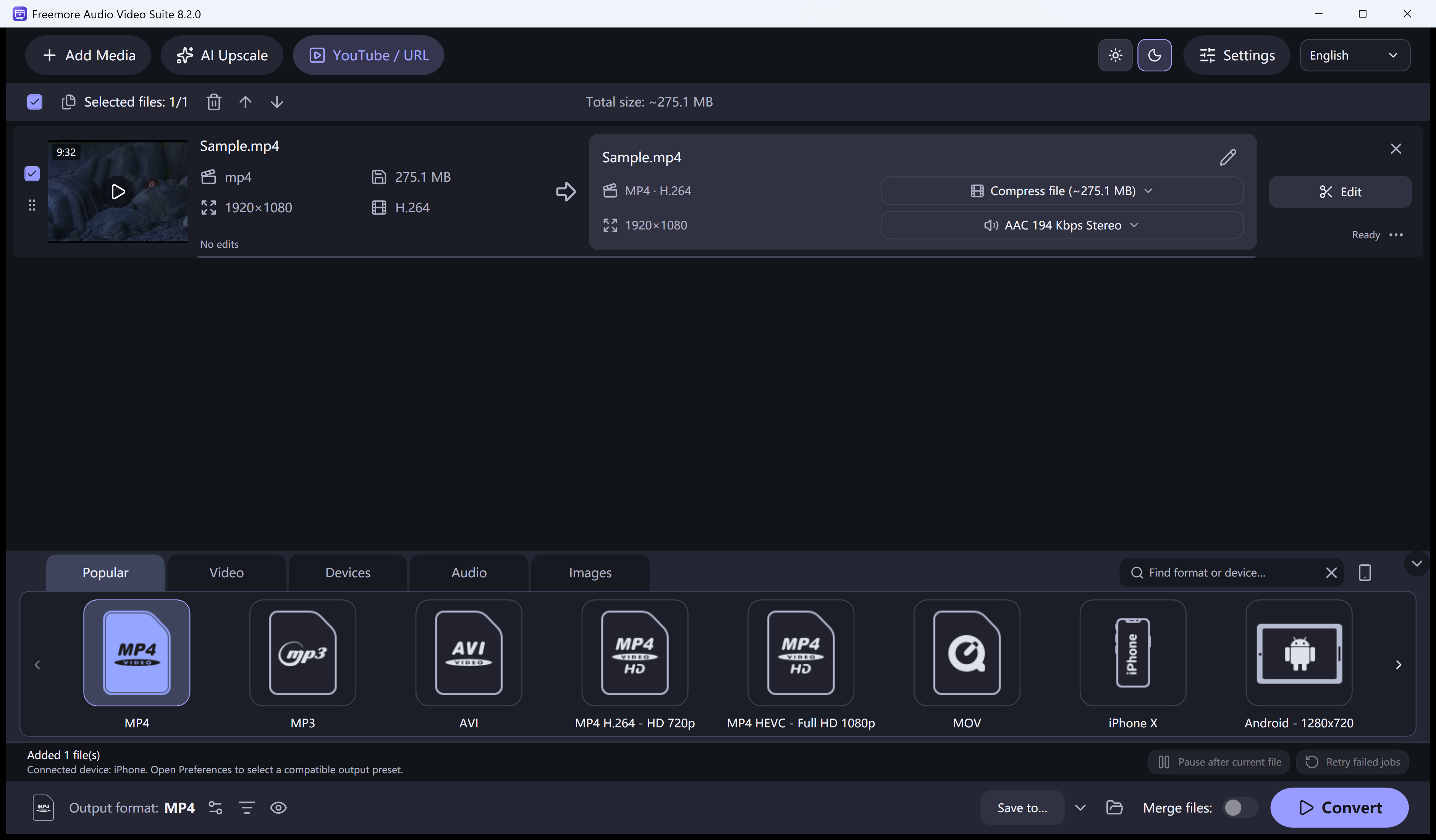
Open Freemore Audio Video Suite and drop the video on the queue.
Choose the Audio preset in the Audio group. The picture is left out of that file.
A silent video produces a silent result. Protected or unusual audio can still fail to open.
Run the queue. The new file is audio only.
The original video stays on disk. MP3 is a lossy copy, so keep a lossless file too if you still want the full recording.
Windows 10 or 11 · 64-bit · Version 8.2.0